Puerto Vallarta · Claude Code · Next.js
Websites that feel like film.
AI video that moves with your scroll, real 3D and your business data. Built with Claude, not templates.
Scroll to see the story
01 — The idea
Itallstartswithaconversation:yourbusiness,yourphotos,yourvoice.
02 — Claude writes
References,imagesandvideogeneratedwithAI,directedbyus.
03 — The 3D piece
RealrendersinBlenderorliveWebGL.Nothinggeneric.
04 — The living site
LiveonVercel,testedonmobileandmeasured.
Our version of the method, with Claude
What the tutorials do with Antigravity and Runable, but with our kit, our rules and no invented data.
- 01VERDADES.md
Brief and truths
We research your digital footprint and note every fact with its source. Unconfirmed facts are never shown.
- 02kf1 → kf4
Keyframes with AI
Four images in the same style, from your photos or references. Runable, Higgsfield or Nano Banana.
- 031 shot · 15 s
A 15-second video
One continuous shot through the keyframes. Seedance 2.5 or Kling. No audio: the music is yours.
- 04Secuencia.tsx
Frames that obey the scroll
The video becomes 96 WebP frames and a canvas scrubs them with your finger. Forward and back, no lag.
- 05Cycles · R3F
Real 3D
Blender with real materials for the signature piece, or live WebGL to spin it. A Tripo GLB only if it passes inspection.
- 06premium-web-kit
Claude Code builds the site
On our kit: owner panel, technical SEO, security, ES/EN, WhatsApp. Twelve layers, always.
- 07QA
Tested like a visitor
Playwright with a real wheel at 1440 and 375 px, plus TestSprite for generated end-to-end tests.
- 08Vercel
Preview and delivery
Vercel, domain, firewall and a written handoff. Taste changes wait for your yes.
Real pieces from the fleet
Renders made in Blender for Puerto Vallarta sites. Each one builds itself as you scroll.
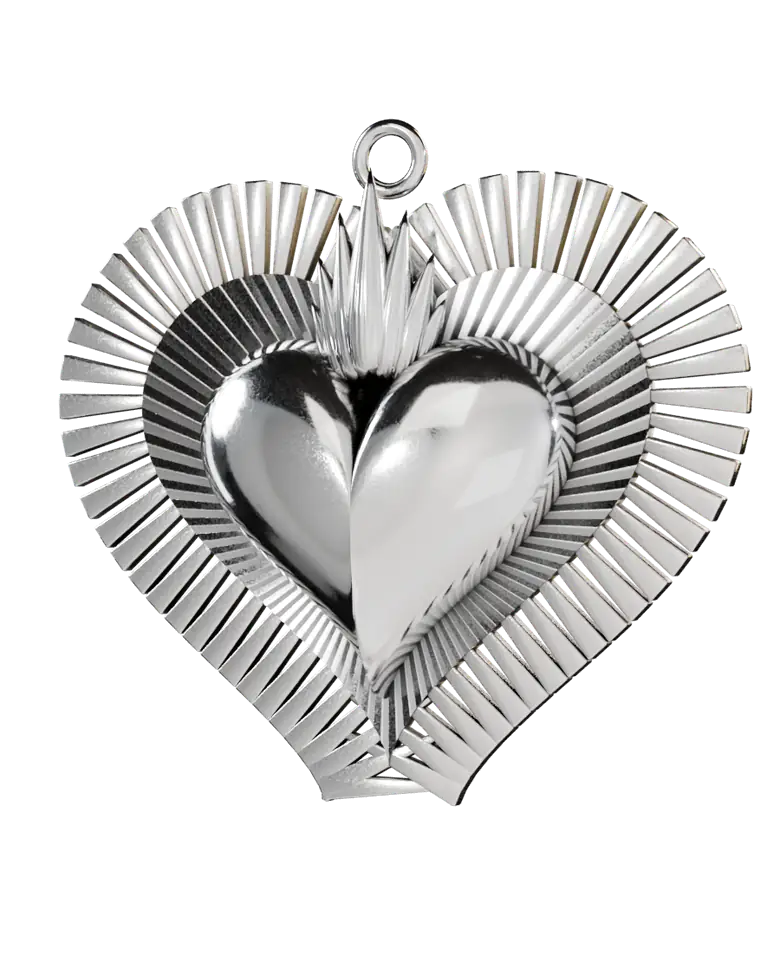
Silver Sacred Heart
Joyería Mariana MEX · 96 frames, fluted halo, flame and spin.
See the site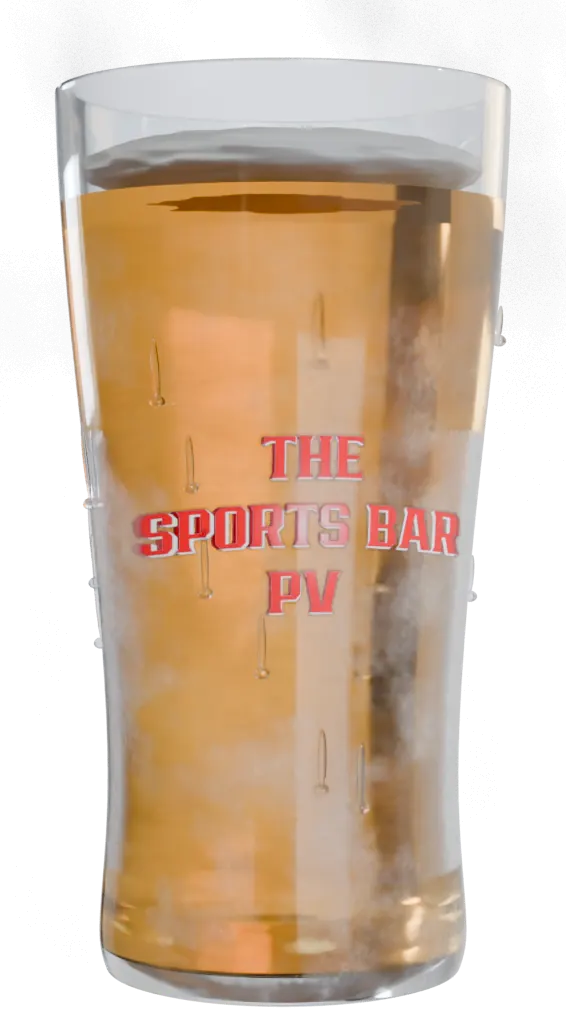
The beer that pours on tap
The Sports Bar PV · liquid, foam, frost and condensation.
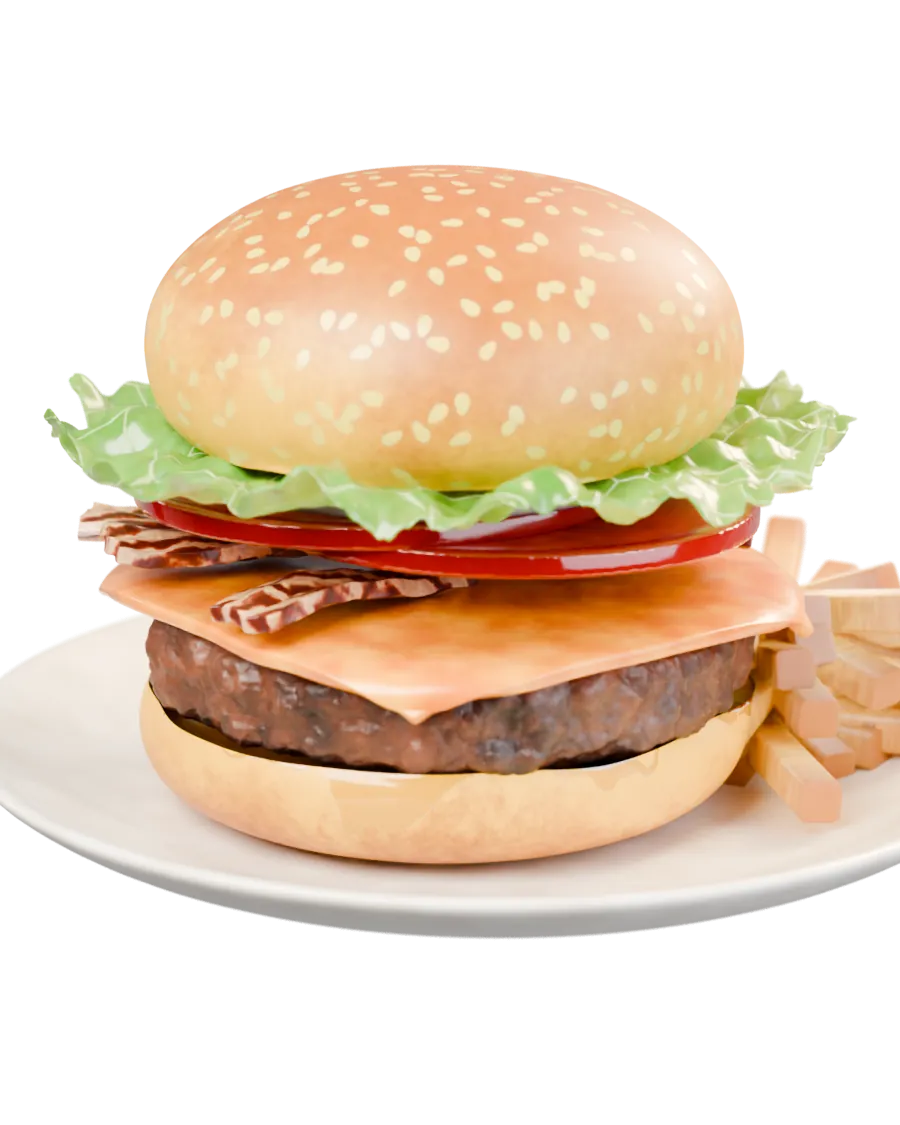
Burger layer by layer
The Sports Bar PV · six fillings falling one by one.
Move the cursor.
Two images and a mask that follows the pointer. Zero WebGL, zero weight.
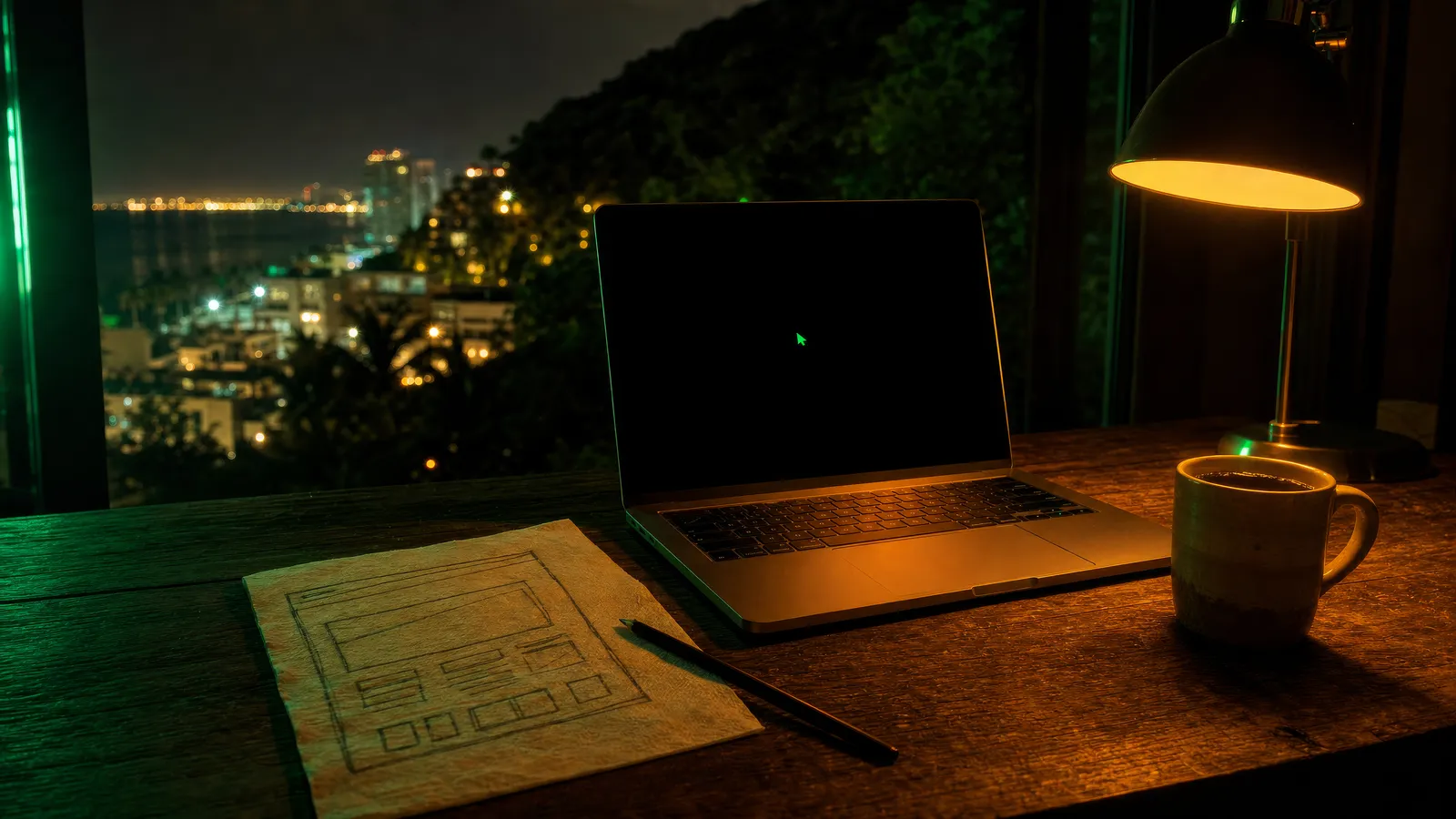 Move the cursor over the image
Live 3D, on your screen.
This is the studio logo built in LEGO, a real GLB model running in WebGL. Drag it.
Real 3D model from the Gallo AI Systems site
The prompts we use with Claude
Copy, paste and adapt. They are the same ones that built this page.
01Keyframes (image)
Generate 4 keyframe images in 16:9, same resolution and EXACTLY the same style (light, lens, palette). No text or logos. Name them kf1..kf4. kf1: [opening scene]. kf2: [transition]. kf3: [piece]. kf4: [ending]. Deliver them for review before the video.
02Continuous video (Seedance 2.5 / Kling)
Single continuous shot, 15 s, 16:9, no audio. Use kf1→kf4 as sequential keyframes. CAMERA: one movement per segment (push-in → travel → orbit → pull-back). Smooth, stable motion when played forward and backward (it will be scrubbed by scroll). No cuts, no morphing, no text. Same style and subject throughout.
03Frames that obey the scroll (Claude Code)
Convert the video to 96 WebP frames with alpha (ffmpeg fps=96/duration). Create a sticky canvas inside a 260vh section that maps scroll progress to frame index with lerp, preloads every tenth frame first, respects DPR ≤ 1.5 and prefers-reduced-motion (last frame fixed). Write dataset.prog for QA. Never animate by time: only by scroll.
04Synchronized chapters
Over the canvas, HTML chapters (no text baked into the video): a label with a thin growing rule, a headline word by word with mask and blur, metadata in glass labels. Each chapter appears in its progress range [a,b] and leaves before the camera reaches the subject. A few pixels of parallax between text and video.
05Hover reveal
Over the base image, a layer with the reveal image and a 260px radial mask with a soft edge that follows the cursor with lerp. pointer-events:none on the layer. Outside the container, hide the reveal. Only CSS mask-image plus --x/--y variables.
06Tested like a visitor
With Playwright: real wheel down to the last pixel of the footer (never scrollTo with Lenis), 1440 and 375 px, no horizontal overflow, H1 in 2 lines, nav in 1, CTAs ≥ 48 px and none covered by the float (elementFromPoint), 3D dataset.prog at three points. Then TestSprite CLI: “Use TestSprite CLI to test this project and fix what fails”.
Frequently asked questions
How fast is a site like this?
The AI video and frames take hours. The Blender 3D piece takes one to three hours of rendering. The full site, with panel, SEO and tests, is delivered as a preview for your yes.
Do you use my photos or make things up?
Your photos and your data. AI-generated material is labeled as illustrative, and anything we cannot confirm is left empty, never invented.
What is always included?
Owner panel, WhatsApp, Spanish and English, technical SEO, security headers, legal pages, mobile tests and Vercel deployment.
What if I don't like something?
Taste changes go to a preview and wait for your approval. Verifiable things (speed, links, security) are fixed without asking.
Your business, with a website that feels like film.
Message me and I'll tell you what fits and what it costs, no runaround.
I want a site like thisGallo AI Systems · Puerto Vallarta · @elgallitonegro7
Intro video generated with AI (Runable · Seedance) from keyframes directed by the studio. 3D renders in Blender. Site built with Claude Code on the premium-web-kit.